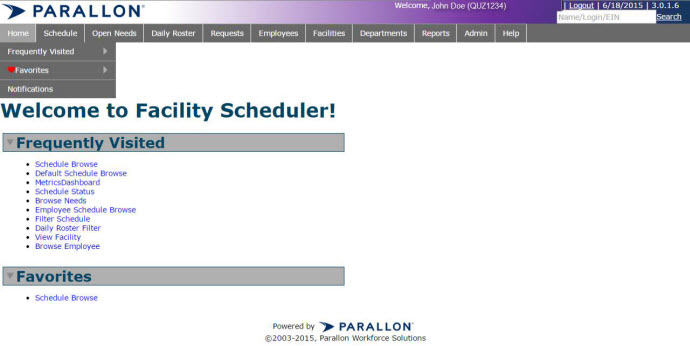
The Favorites page list favorites created by you.
To make your schedule a favorite click the heart icon to save as a favorite.
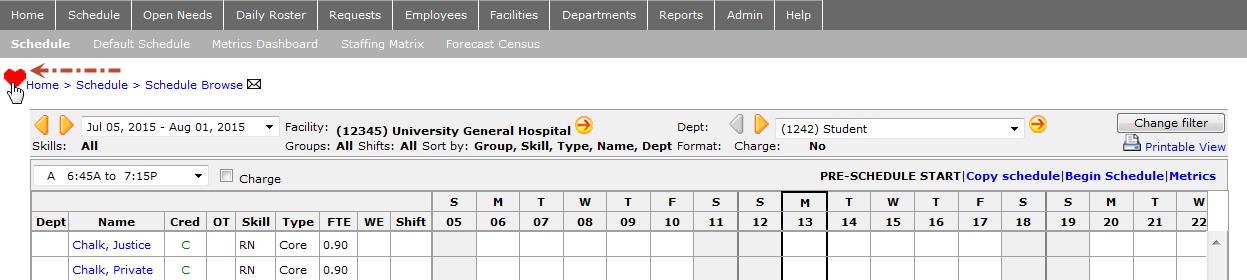
A solid red heart indicates the schedule is a favorite. See table below.
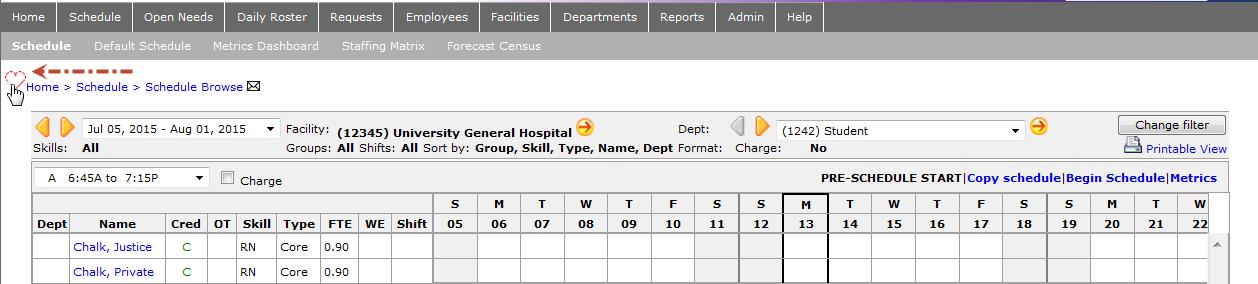
Example 1 – The heart in this screenshot means the schedule is not marked as a favorite.
Example 2 – A red heart symbolizes this schedule is marked as a favorite.